Bulk Edit Price On Contract
To bulk edit item prices on a contract:
-
Search for and select the contract with the items you want to edit in bulk. Refer to Search for a Contract for more information.
-
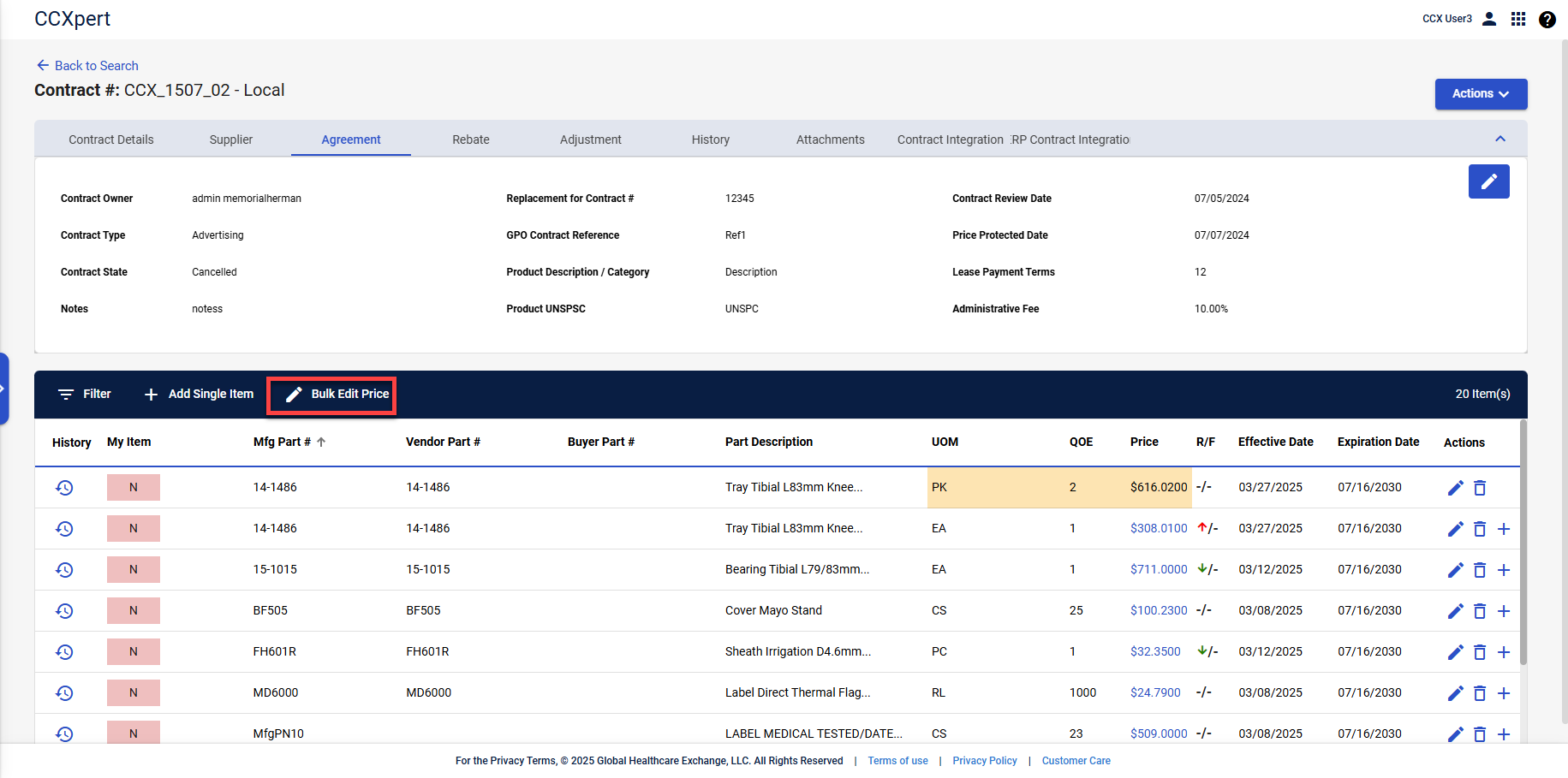
Select Bulk Edit Price.
-
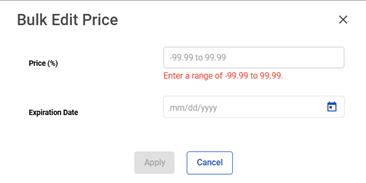
The Bulk Edit Price window appears. Enter information into the fields for Price and Expiration Date.
-
Select Apply.