Contract By Organization Report
The Contracts by Organization Report provides a comprehensive overview of all contracts and contract details organized by organization. This report is designed to display contract information categorized by the respective organizations. It serves as a summary listing of all GPO and local contracts within CCXpert.
Key features of this report include:
-
Display contract details, with an option to view various information fields.
-
A dedicated "Active Contract Items" column shows each specified contract tier's number of active items.
-
This report also includes data manually entered for the Supplier, Agreement, or Rebate fields, enabling users to track and report on Key Performance Indicators (KPIs). Refer to the Monthly Tasks section under Best Practices for further analysis and recommendations.
-
Manufacturer and Vendor EIDs used for mapping into ERP systems.
Navigation
This report appears when you navigate to Reports > Contract By Organization Report from the left-side navigation pane.
Field Descriptions
The following fields appear on the Contract By Organization Report.
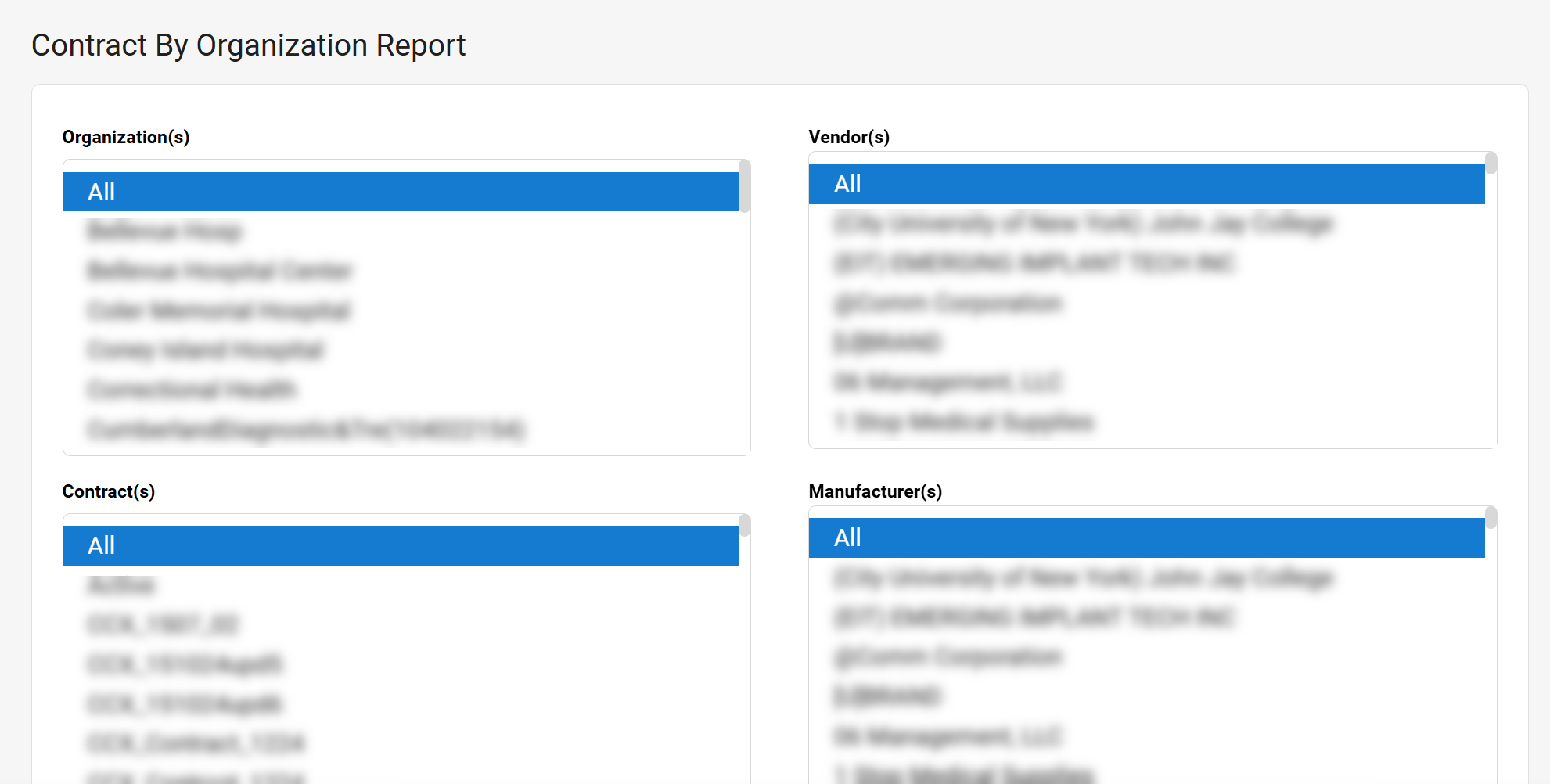
| Field | Field Description |
|---|---|
| Organization(s) | Select the organizations you want represented in the report. Select All to select all organizations. |
| Vendor(s) | Select the vendors you want represented in the report. Select All to select all vendors. |
| Contract(s) | Select the contracts you want represented in the report. Select All to select all contracts. |
| Manufacturer(s) | Select the manufacturers you want represented in the report. Select All to select all manufacturers. |
|
Run Report |
Select to run the report. The report is downloaded to your computer in XLSX format. |