Contract Owner List Tab
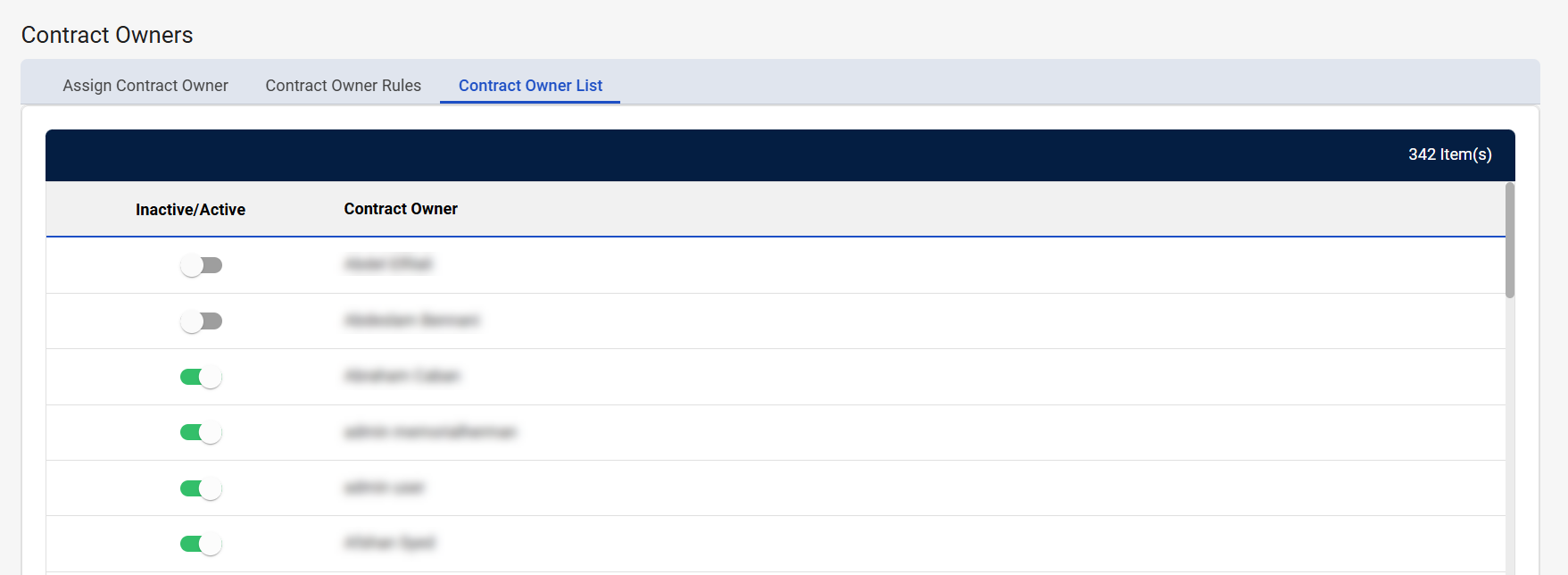
Contract Owner List is the third tab on the Contract Owners screen. This tab displays a list of all CCXpert users that have logged into the application and indicates whether they are marked as eligible to be a contract owner. You can use the Active/Inactive toggle to mark the user as an active or inactive contract owner.
-
Active contract owners can be assigned to contracts.
-
Inactive contract owners cannot be assigned to contracts.
Navigation
This tab is located on the Contract Owners screen. To access this screen, navigate to Configuration > Contract Owners from the left-side navigation pane.
Field Descriptions
The following fields appear on the Contract Owner List tab.
|
Field |
Field Description |
|---|---|
|
# Item(s) |
Displays the number of contract owners listed in the table. |
|
Active/Inactive |
Indicates whether the contract owner is active or inactive in CCXpert.
|
|
Contract Owner |
Displays the name of the contract owner. |