Delete Attachments
If you uploaded the wrong attachment or an attachment is no longer relevant, you can delete the attachment.
To delete attachments from a contract:
-
Search for and select the contract with the attachment you want to delete. Refer to Search for a Contract for more information.
-
Select the Attachments tab. The contract attachment details are displayed.
-
Locate the attachment you want to delete and select Remove Attachment.

-
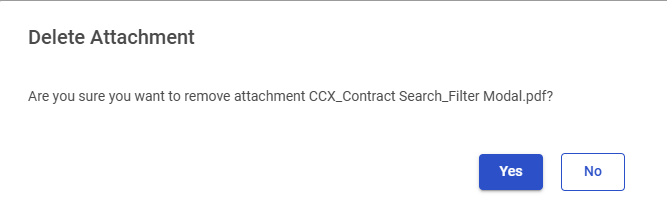
The Delete Attachment window appears. Select Yes to delete attachment or select No to cancel the deletion.