Delete SUOM Item
If an SUOM item is no longer relevant to a contract, you can delete it from the contract.
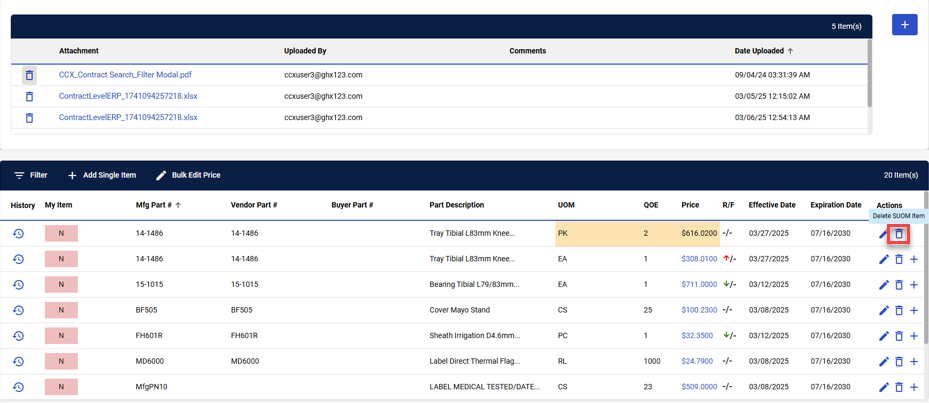
Note: SUOM items are highlighted in yellow.
To delete an SUOM item:
-
Search for and select the contract with the SUOM item you want to delete. Refer to Search for a Contract for more information.
-
Locate the item you want to delete and select Delete SUOM Item.

-
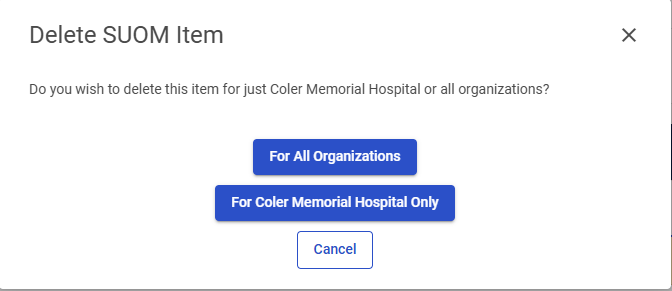
Indicate whether you want to delete this item For All Organizations or just For [the selected organization] Only. You can also select Cancel to cancel the item deletion.