Disable Notifications
Disabling a notification turns it off for the entire organization, but retains the details should your organization want to enable it again in the future.
- Click Dashboard.
- Click Organization View.
- Search for the notification that you want to disable.
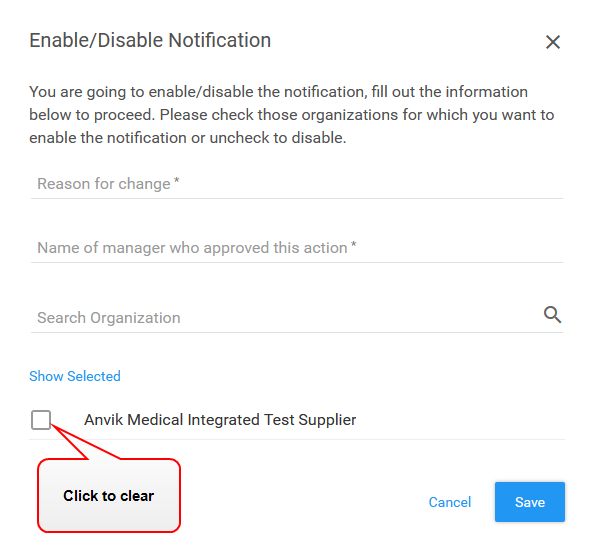
- Click the Enabled status toggle. The Enable/Disable Notification dialog box opens.

- Type information in the required fields.
- Click the organization checkbox to clear it.
- Click Save. The application changes the status to Disabled.