Assign Non-PO Code Groups
After you create non-PO invoice code groups, you can assign those groups to specific users. Assigning code groups limits the dimension codes the user has access to when working non-PO invoices.
- Click the Admin tab.
- Type a user's last name or user ID in the search field in the View Users list and click View.
- Select the user's name. The Edit User page opens.
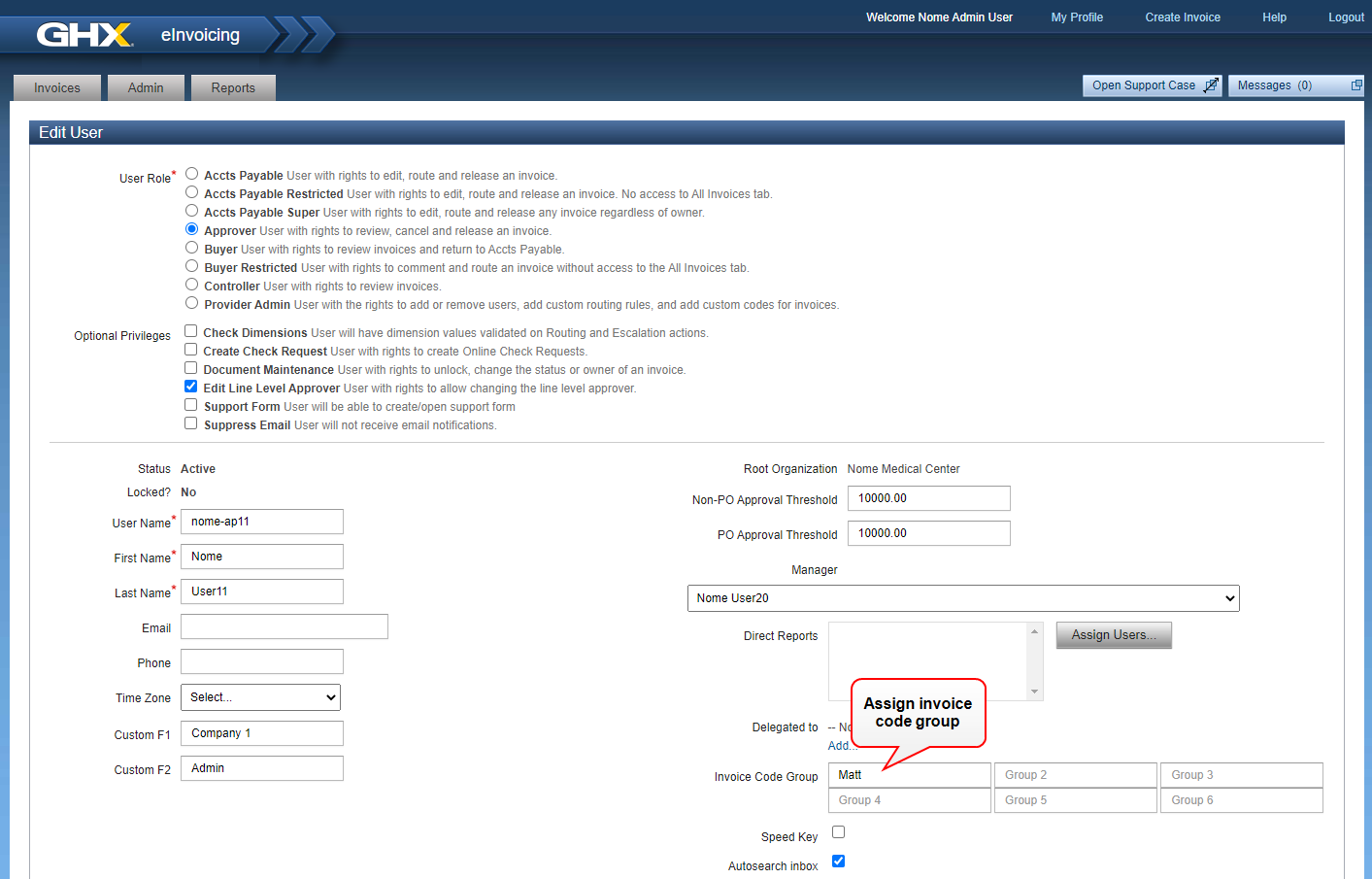
- Start typing a code group name in the Invoice Code Group field. As you type, eInvoicing for Providers shows a list of matching groups.
Note: You may see a default code group in the first Invoice Code Group field.
- Select a group from the list.
- Repeat steps 4 and 5 until you assign all applicable groups to the user.
- Click Save User.