Create Dimension Code Labels
- Click the Admin tab.
- Click Non PO Invoice Codes. The Dimension Labels page opens.
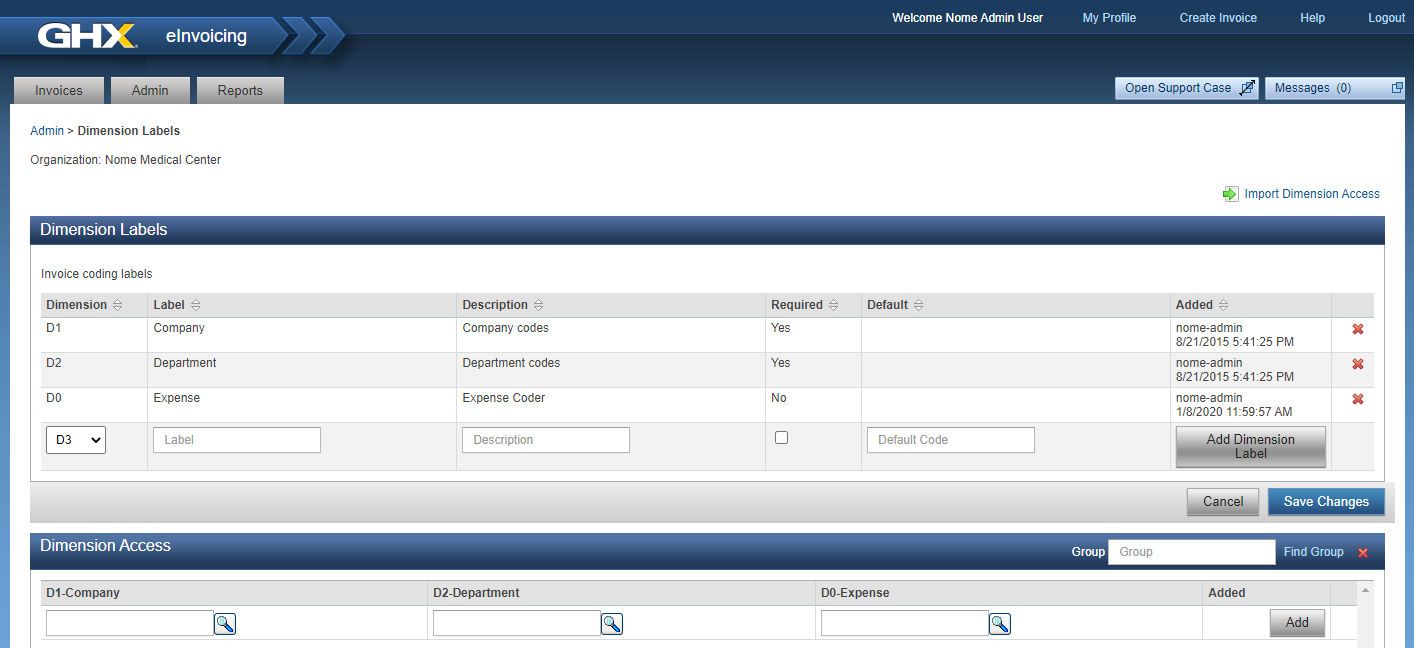
- Click the Dimension drop-down list and select a number. This setting determines the order in which labels are shown in the invoice line.
- Type a name in the Label field.
Note: Use a label that will be recognizable to users in your organization.
- Type a description of the code in the Description field.
- Click Required to make this a required field, if needed.
- Click Add Dimension Label.
- Click Save Changes.