Register Multiple Accounts in Bulk
After downloading, modifying, and saving the Excel template, you can use it to upload the account information into Registration Center.
- Click My Accounts. The My Accounts page opens.
- Select one or more suppliers of the same registration type (Exchange or MetaTrade) in the left panel.
- Click the
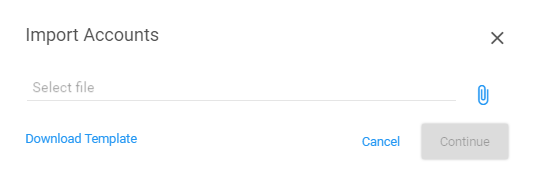
 icon above the account table. The Import Accounts dialog box opens.
- Click the
 icon.
icon. - Navigate to the Excel template that contains the account information and select that file.
- Click Continue. The Add New Accounts dialog box opens and displays the accounts from the imported file.
Tip: If information is missing, a red X will be shown in the Valid column. Hover over the X to display the error. You must fix these records before you can register the imported accounts.
- Click the Effective Date field to modify the date when these business processes will be active (optional).
- Click Register. A confirmation message displays.
- Click OK.