View System Status
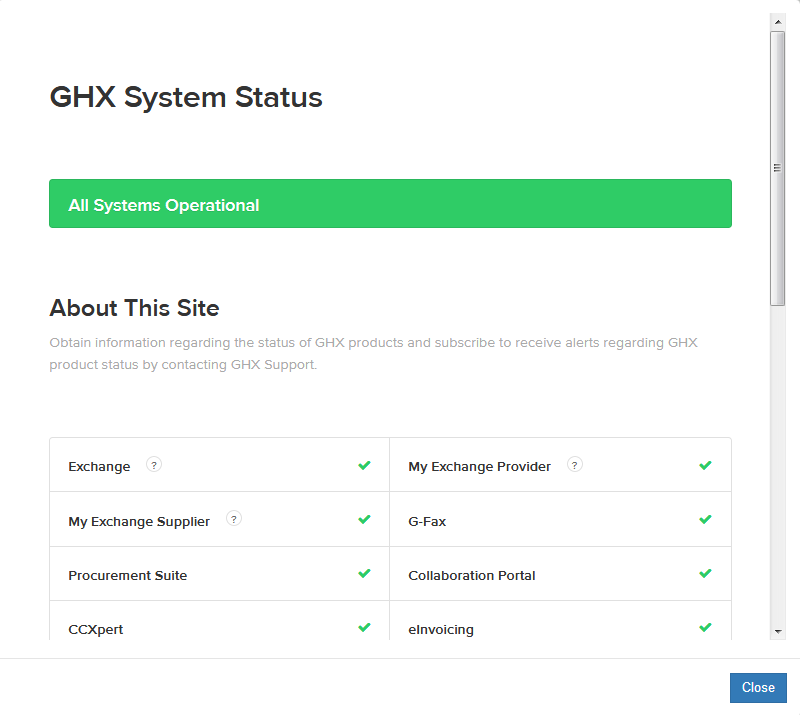
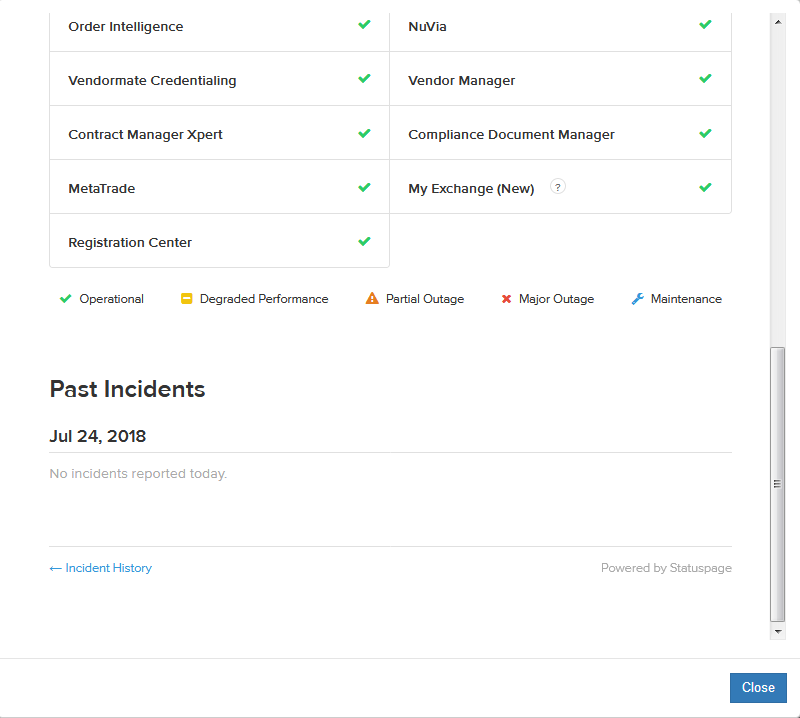
Use the following steps to view the status of GHX products.
- Click the system status
 icon. The GHX System Status dialog box opens.

- Scroll down to view the current status of GHX products and to view past incidents.

- Click Close.