View Trading Partner Account Details
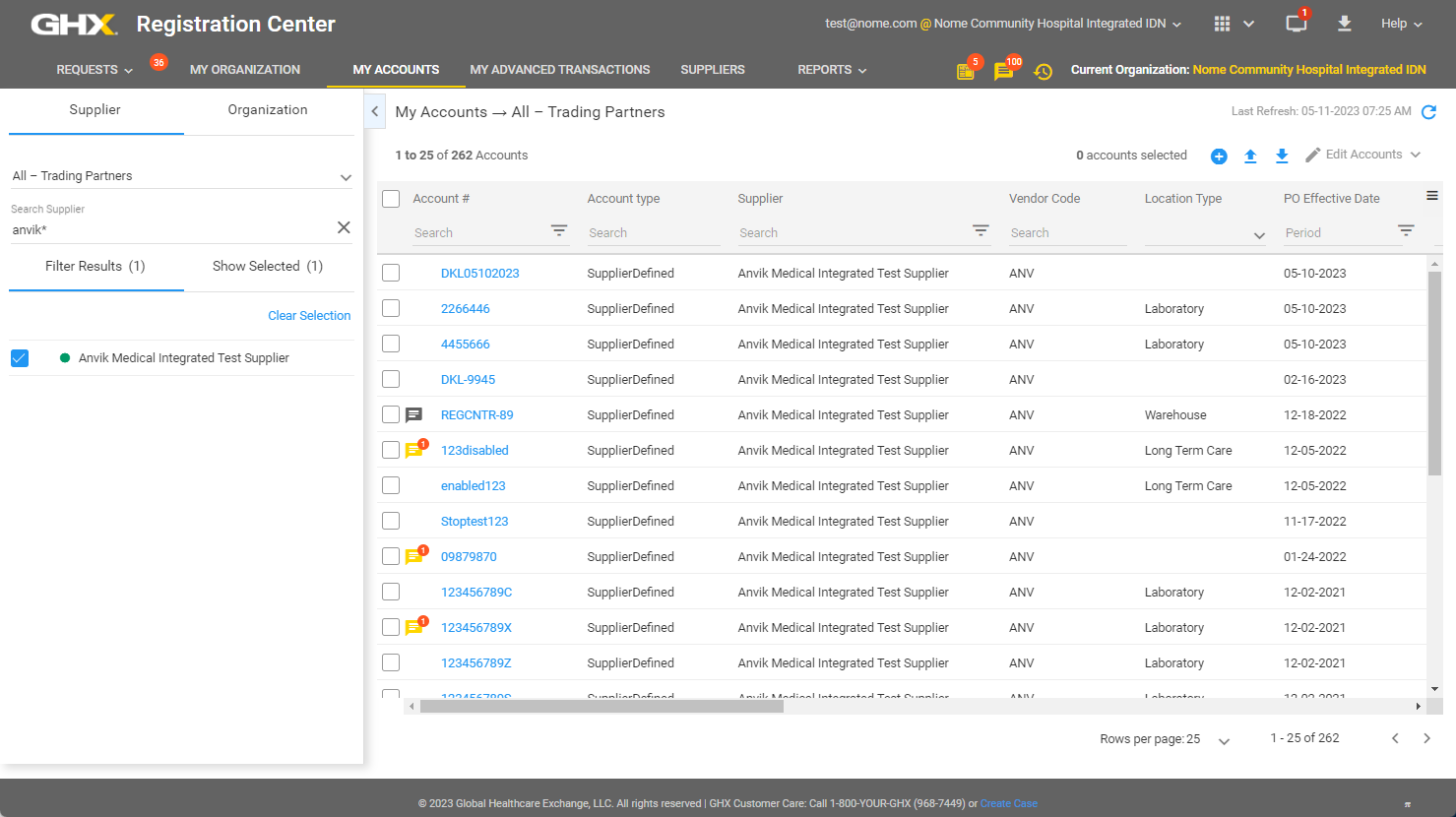
- Click My Accounts. The My Accounts page opens.
Tip: The information is filtered based on the settings used in your previous session.

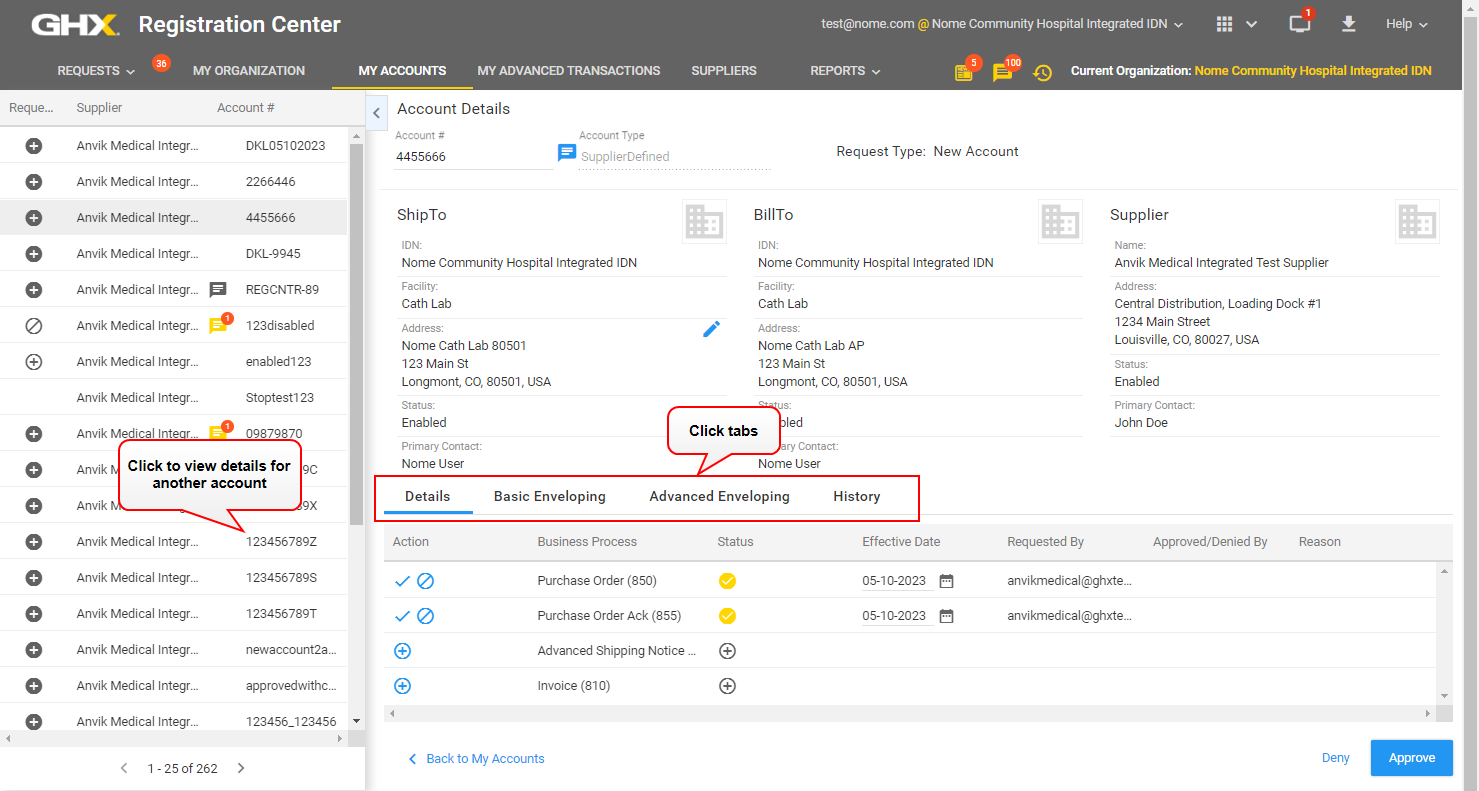
- Click a link in the Account # column. The Account Details opens in the right pane.

- View ship to and bill to address information.
- Click the tabs to view the following information:
- Details – View requested by, approved or denied by, and reason information for the business processes
Tip: For addresses that are in a Pending Effective Enable status, you can view the effective date in the Status field.
- Basic Enveloping – View sender, buyer ID, and supplier ID information for the business processes
- Advanced Enveloping – View sender ISA, sender GS, receiver ISA, and receiver GS information for the business processes
- History – View history for this account including details about when accounts were requested, created, approved, and enabled
- Details – View requested by, approved or denied by, and reason information for the business processes