View Your Organization's Hierarchy
You can gain a better understanding of how GHX and your trading partners view your organization by looking at organizational hierarchies.
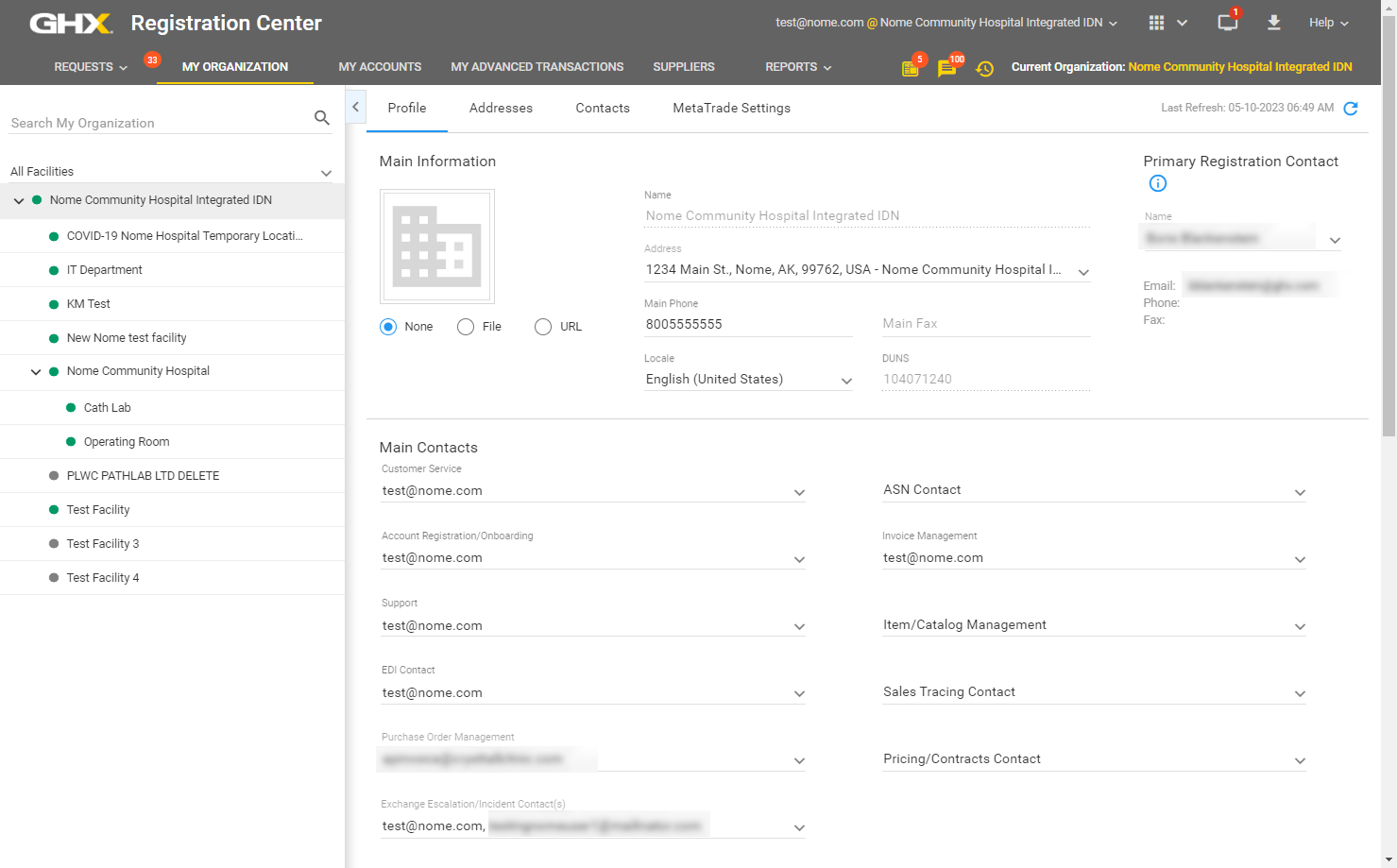
- Click My Organization. The My Organization page opens.
The organizational hierarchy is in the left pane.
Note: The organizational hierarchy is:
- First (top) level = Integrated Delivery Network (IDN)
- Second level = Facilities that report directly to the IDN
- Third level = Facilities that report to the parent organization on the second level

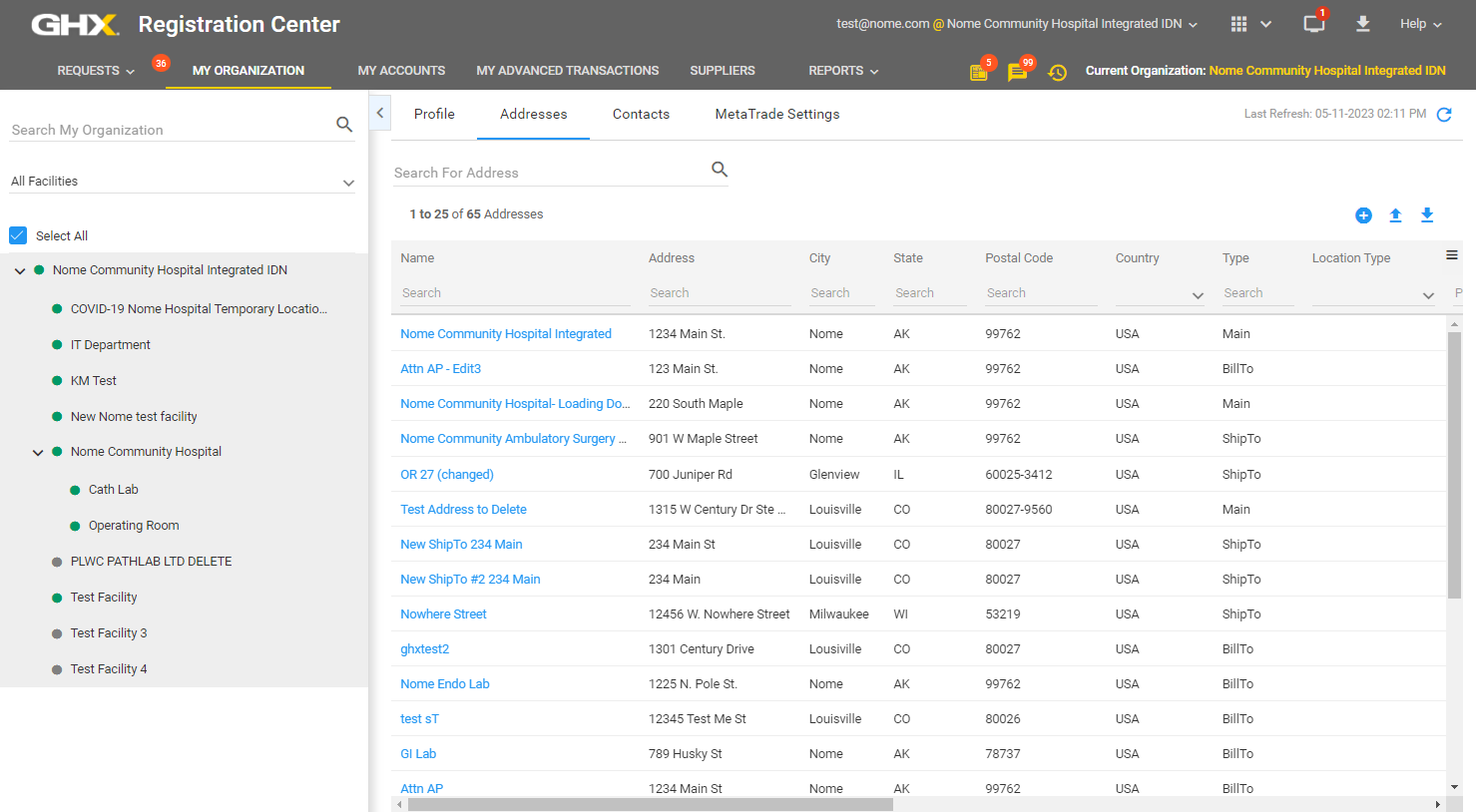
- Select a facility in the left pane or type in the Search My Organization field to search for the facility name.
- Click the Profile, Addresses, and Contacts tabs on the right to view details about the facility. The following example is of the Addresses tab.