Edit Your Organization's Contacts
Note: Users with an Admin user role can edit contact information and delete contacts that were created in Registration Center. Contacts that are Registration Center users (as assigned in the User Management application) cannot be deleted in Registration Center.
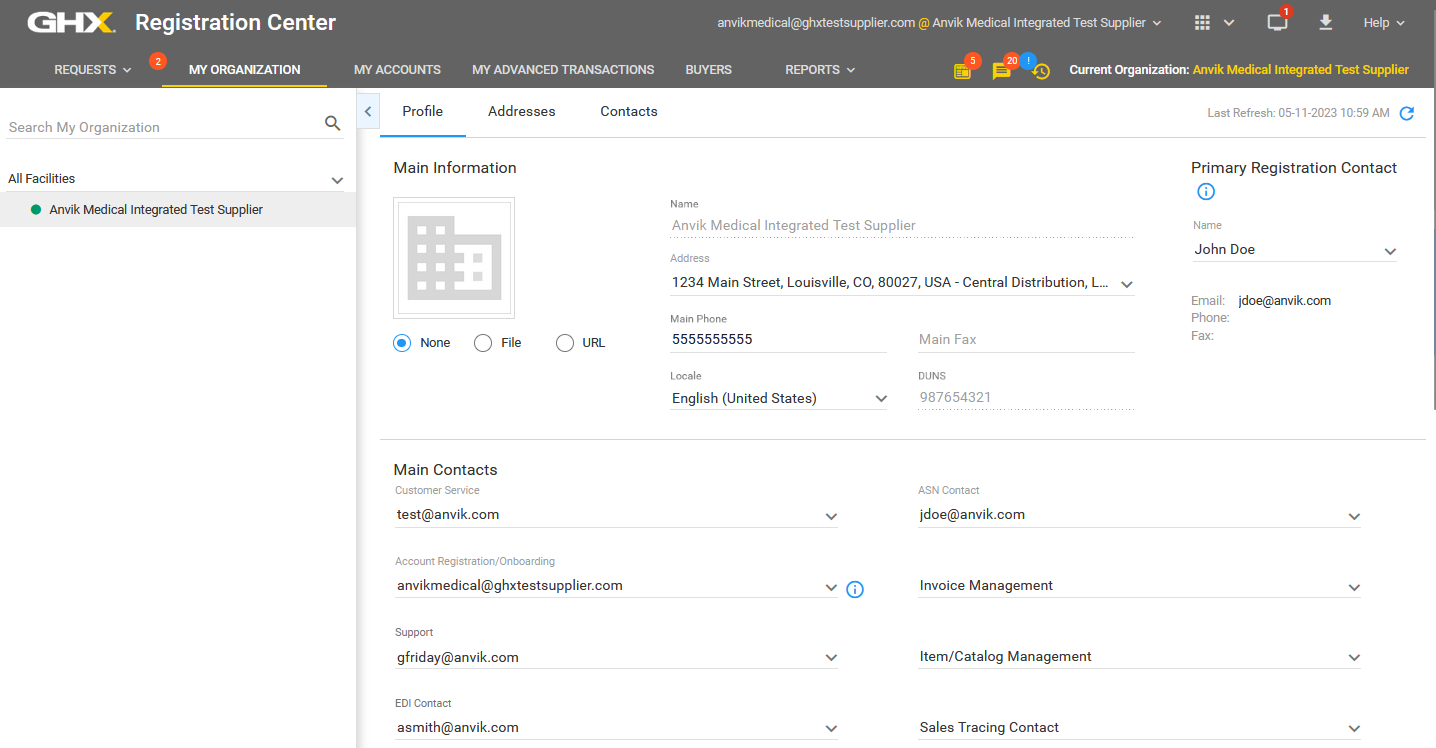
- Click My Organization. The My Organization page opens.

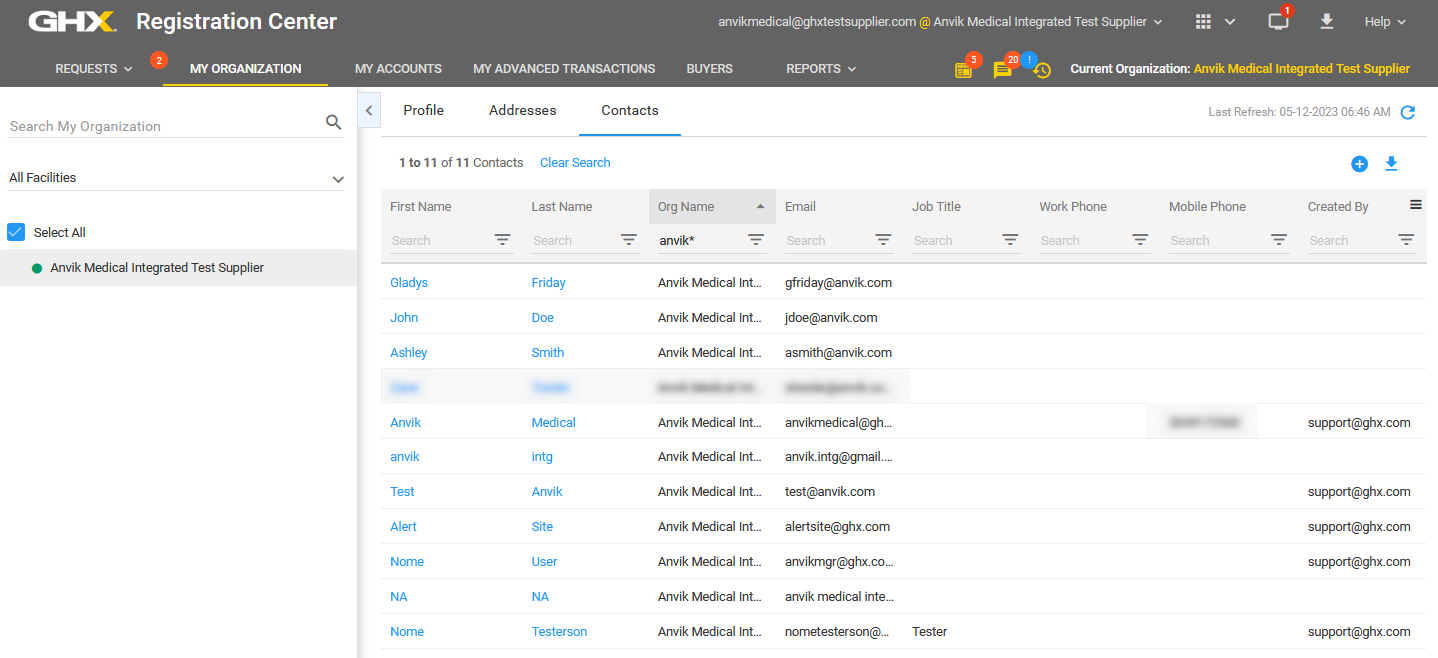
- Click Contacts in the right pane.
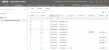
- Type search criteria in a column heading to limit the search results (optional).
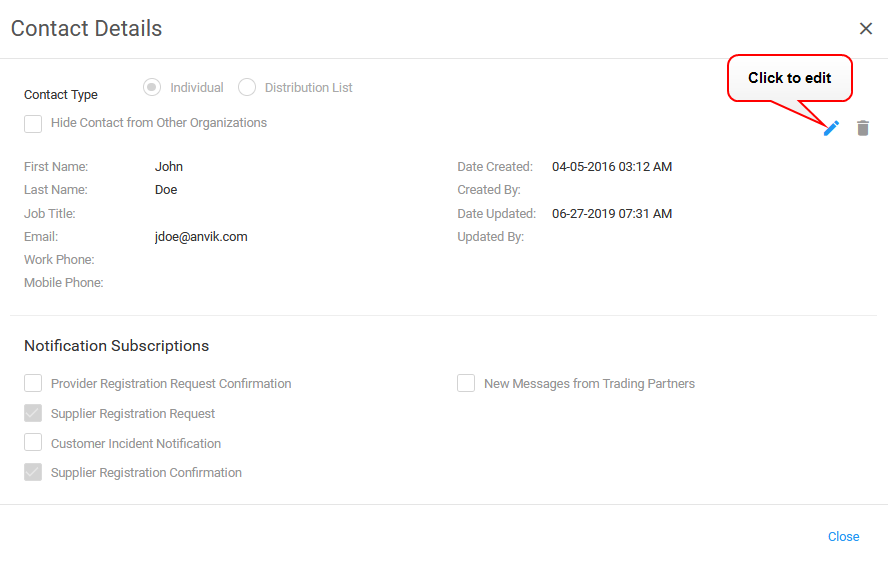
- Click a link in the First Name or Last Name column to view details. The Contact Details dialog box opens.

- Click the
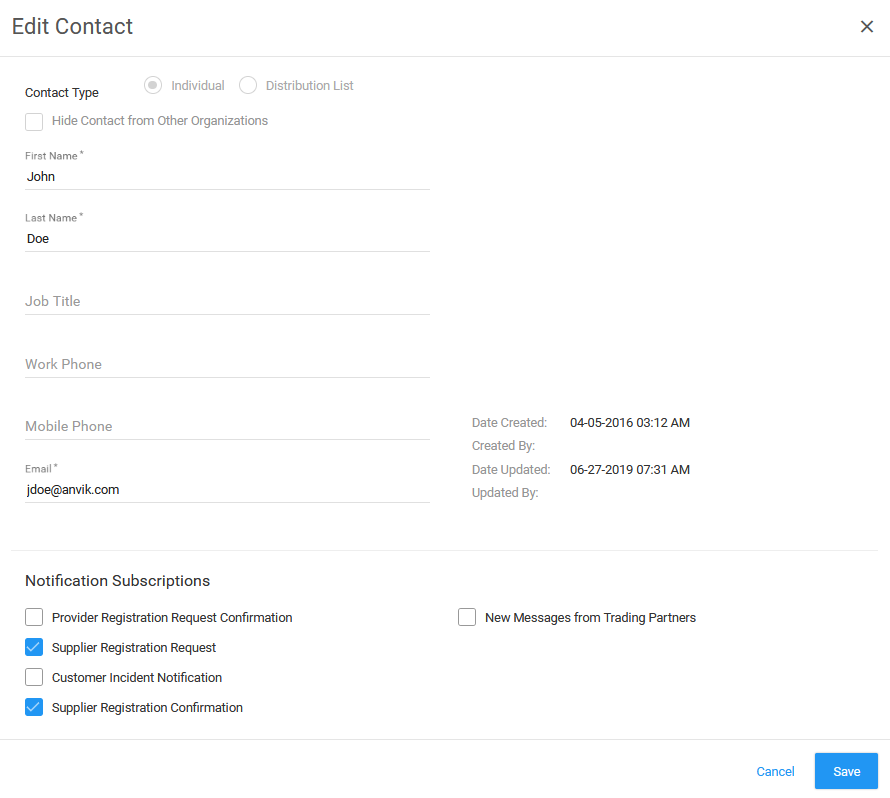
 icon. The Edit Contact dialog box opens.

- Edit the information, as needed.
- Click Save. The Edit Contact dialog box closes.
- Click Close on the Contact Details dialog box.