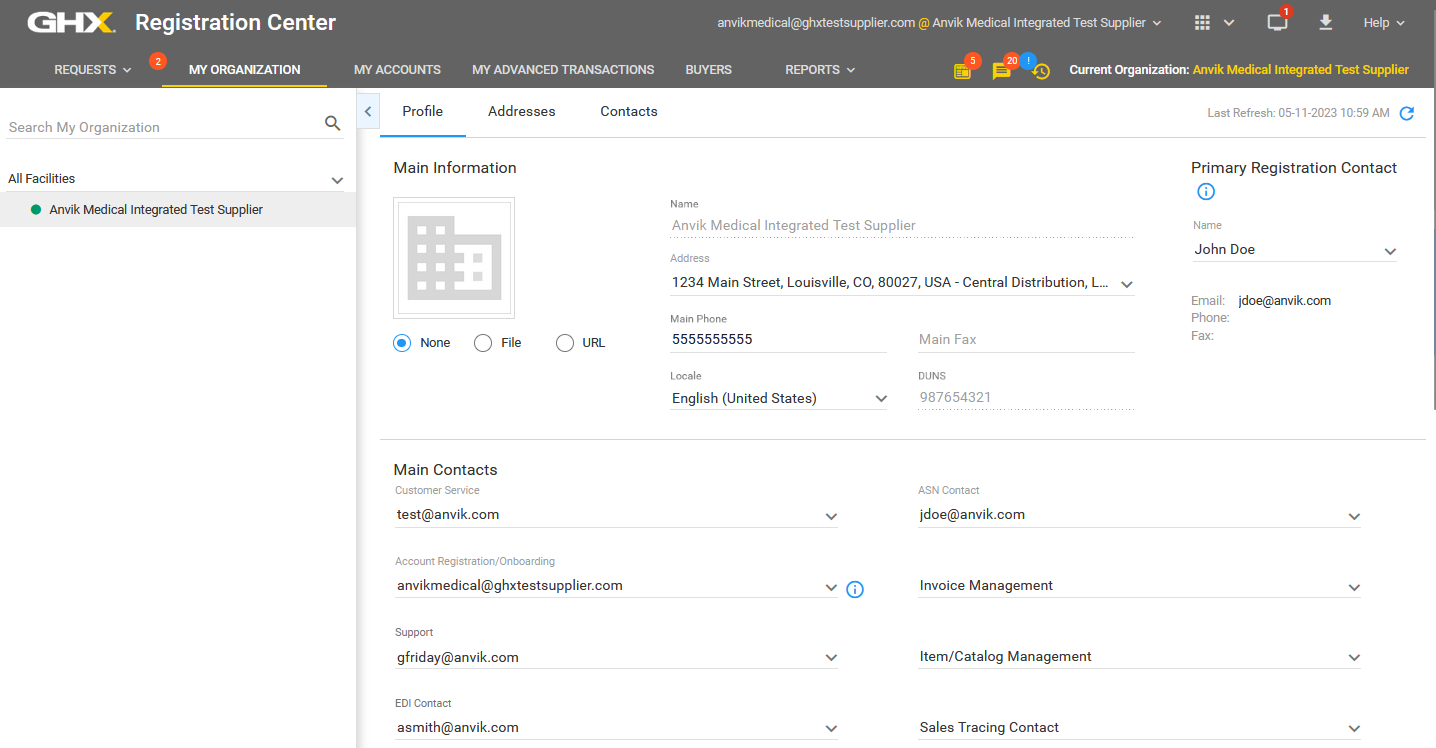
My Organization Page
The information in your organization's profile is critical because it contains information that will be seen by potential and existing trading partners. Navigate to My Organization to view and edit the profile, addresses, and contacts for your organization.
| Tab | Actions |
|---|---|
| Profile |
|
| Addresses |
|
| Contacts |
Note: Not all contacts are Registration Center users, but all Registration Center users are contacts. Tip: You must have access to the User Management application to add a user. See the product help for User Management for details. |