View Global History
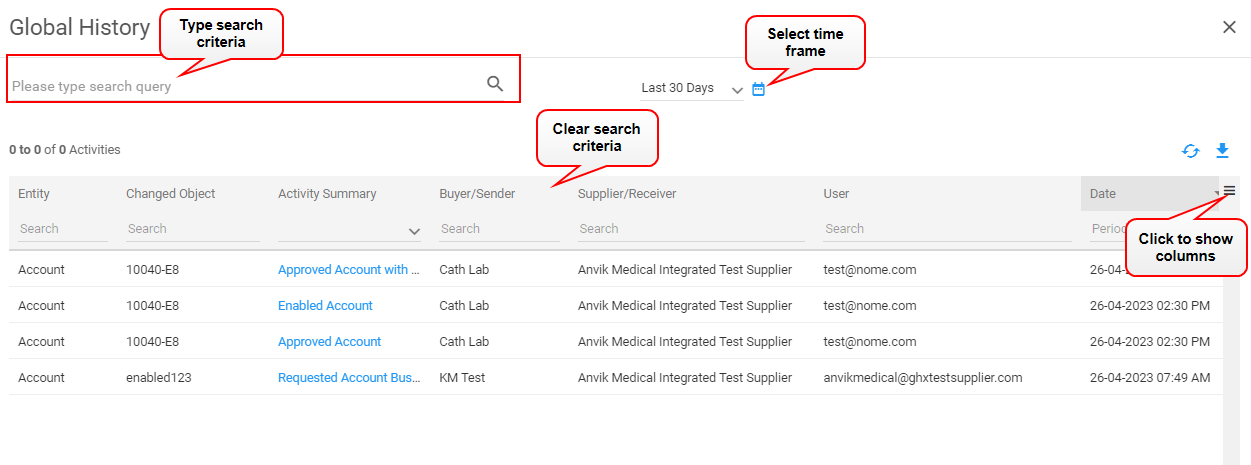
Use Global History to search across your organization and accounts for specific changes and actions that may impact current and future Exchange processes.
- Click the Global History
 icon in the main header. The Global History dialog box opens.
 - Search for activity using the following actions:
- Type a word or phrase in the search field at the top on the left
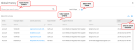
- Select a time frame from the list
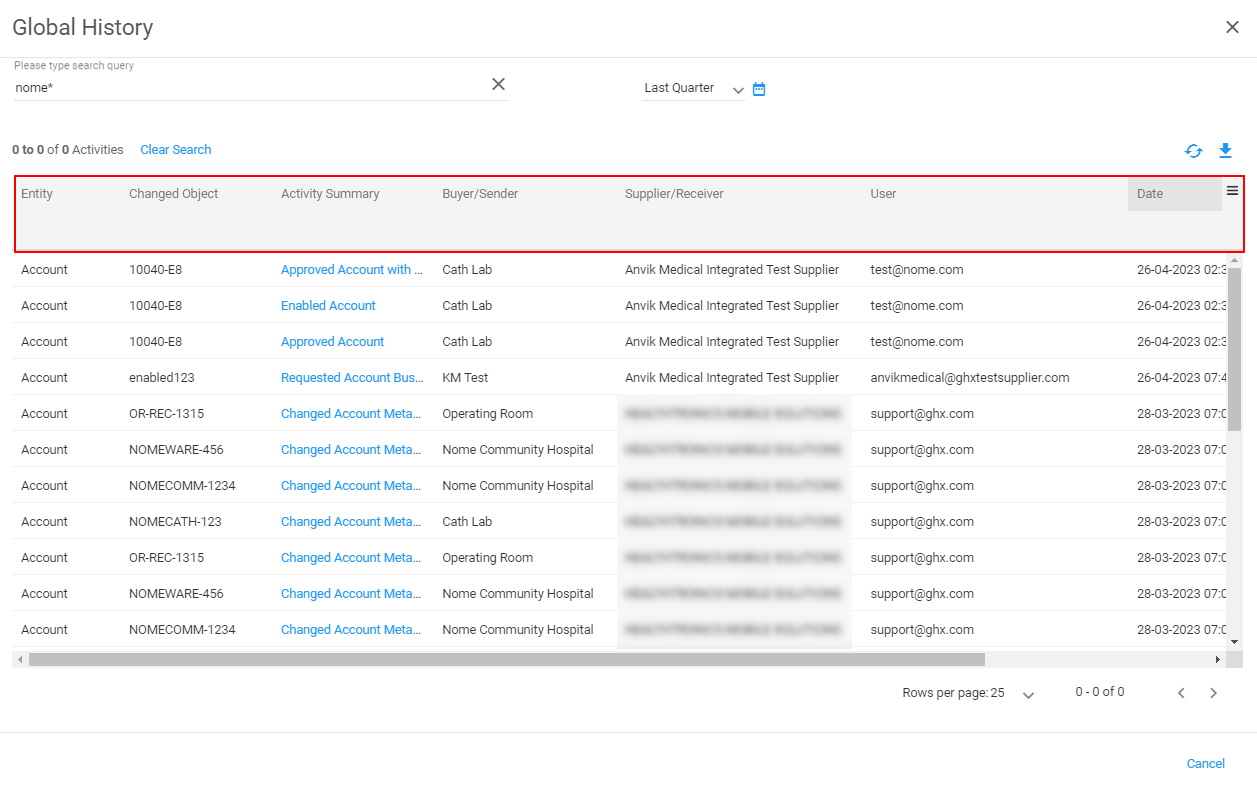
- Type criteria in the search field in the column headings or select criteria from the lists
Tip: Use the * asterisk wildcard character in some columns (for example, the Entity column) to narrow the search results.

- Type a word or phrase in the search field at the top on the left
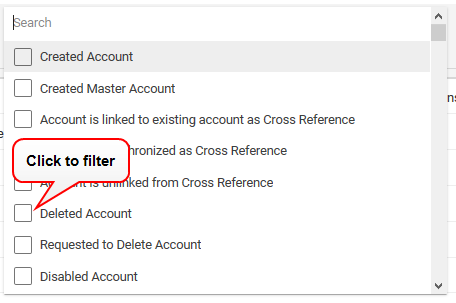
- Click the down arrow to the right of the Activity Summary column. A list of activity types opens. Select one or more types to filter the list.

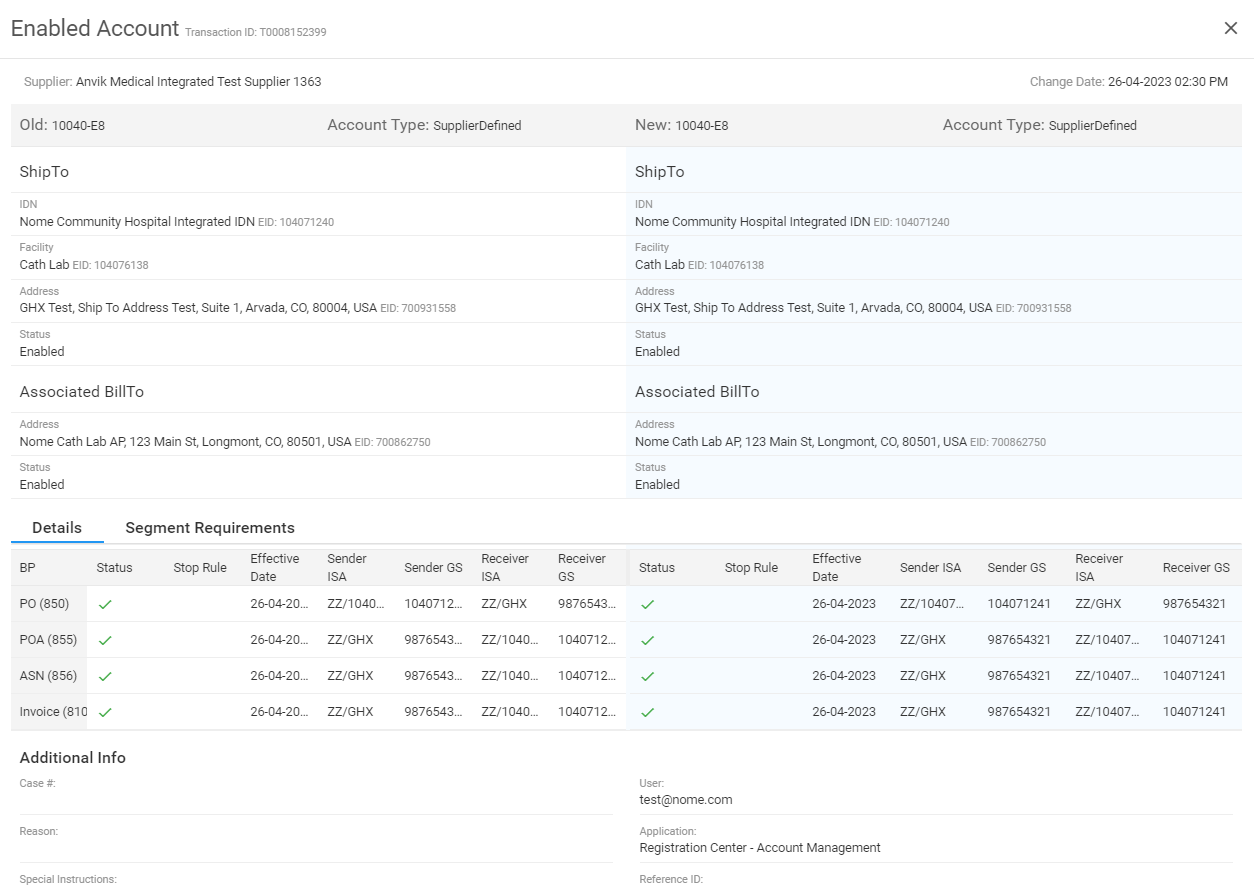
- Click a link in the Activity Summary column to view old and new details in a side-by-side view.

- Click the
 icon to export the history activity to an Excel spreadsheet.