Set Up MFA for Your User Account
- Click your user name. A list of options opens.
- Select Profile. The Profile page opens.
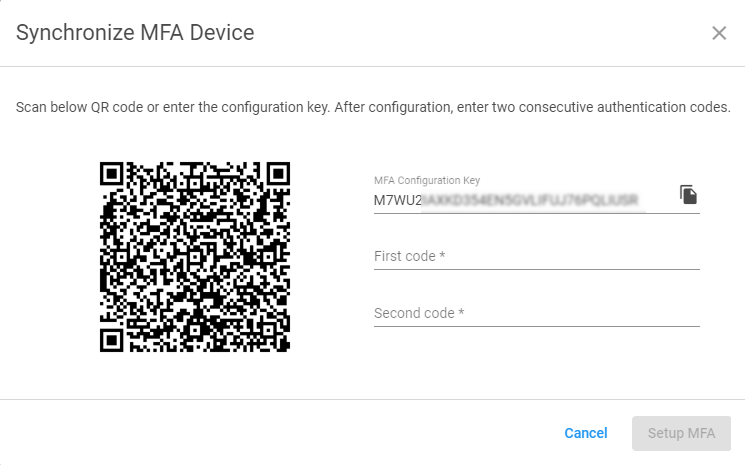
- Scroll down and click Setup MFA. The Synchronize MFA Device dialog box opens.

- Open the camera app on your device and hold it so that the QR code is in the view finder.
- Follow your organization's authenticator directions.
- Click Setup MFA.