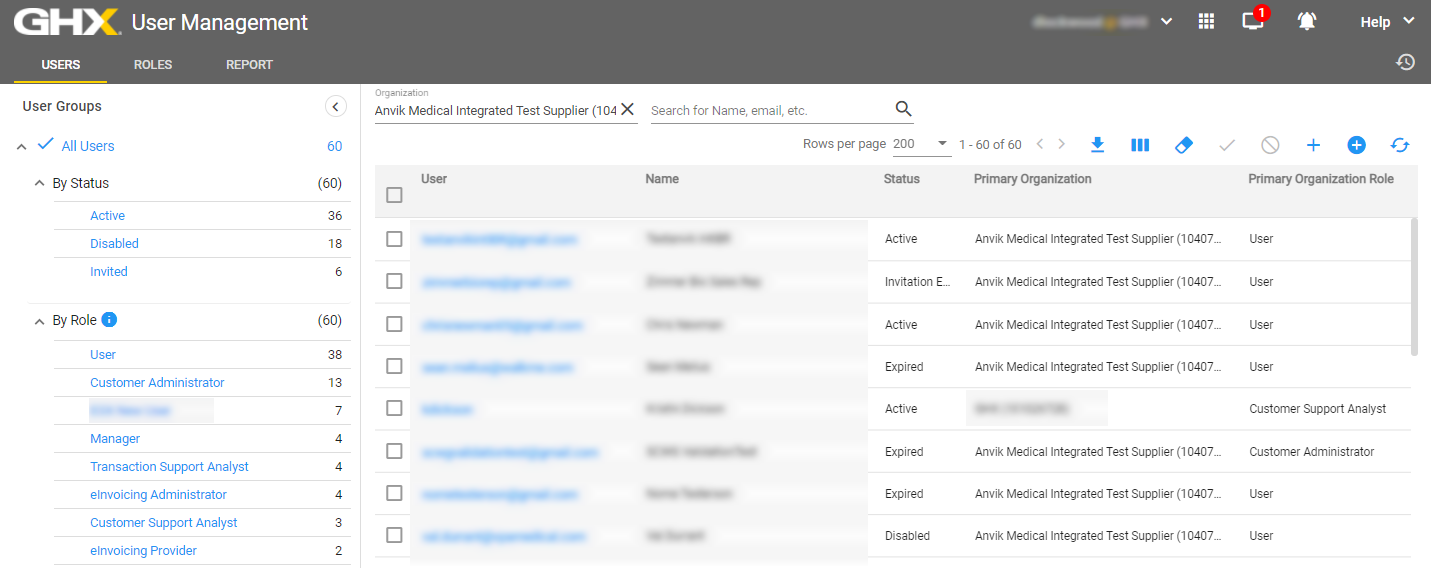
Users Page
Use the Users page to filter users by status or role in the left pane and search for users by organization, name, and email address in the right pane. You will see only those users who are within your organizational hierarchy.
Tip: To view a list of users who are under other facilities or divisions within your hierarchy, either click the Clear Filters  icon or click the X to remove the Organization filter. Then start typing an organization name and select an option from the list.