View Rep Badging Activity
Use the following steps to see details about badging activity for your FEIN.
-
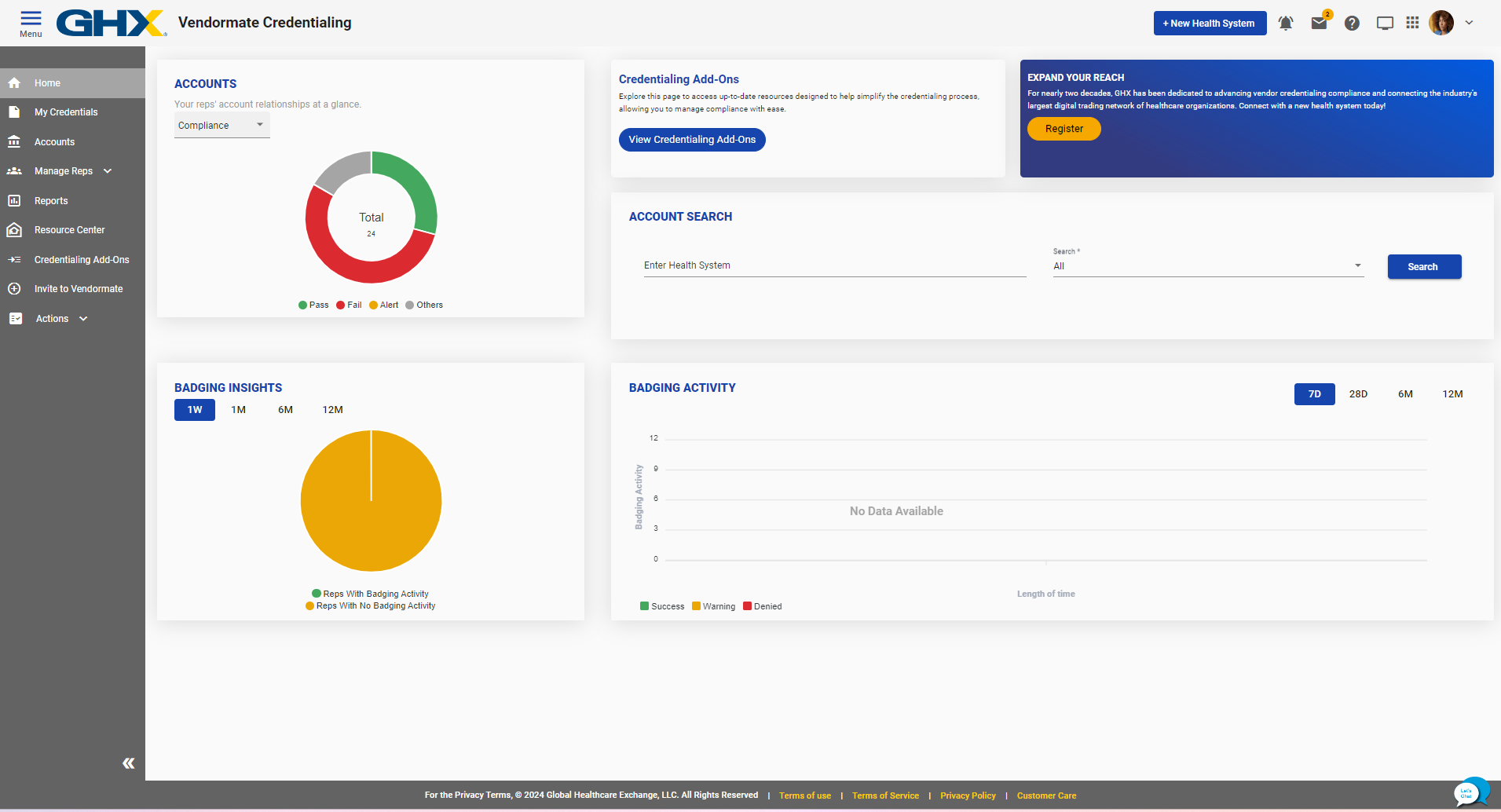
SelectHomeand locate the Badging Activity section.

-
Select a time frame in the Badging Activity chart.
-
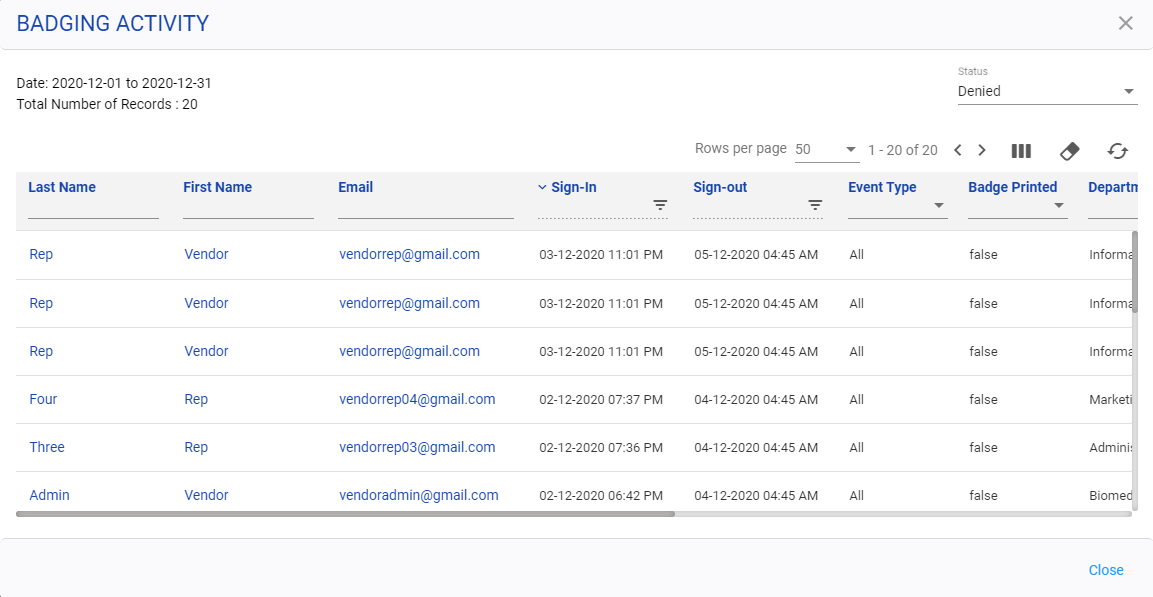
Select a section of the chart. The Badging Activity page opens.

-
Select the links in the name columns to open the rep account details on the Manage Reps page.
-
Select the link in the Email column to compose and send an email message to the rep.