View Saved Documents
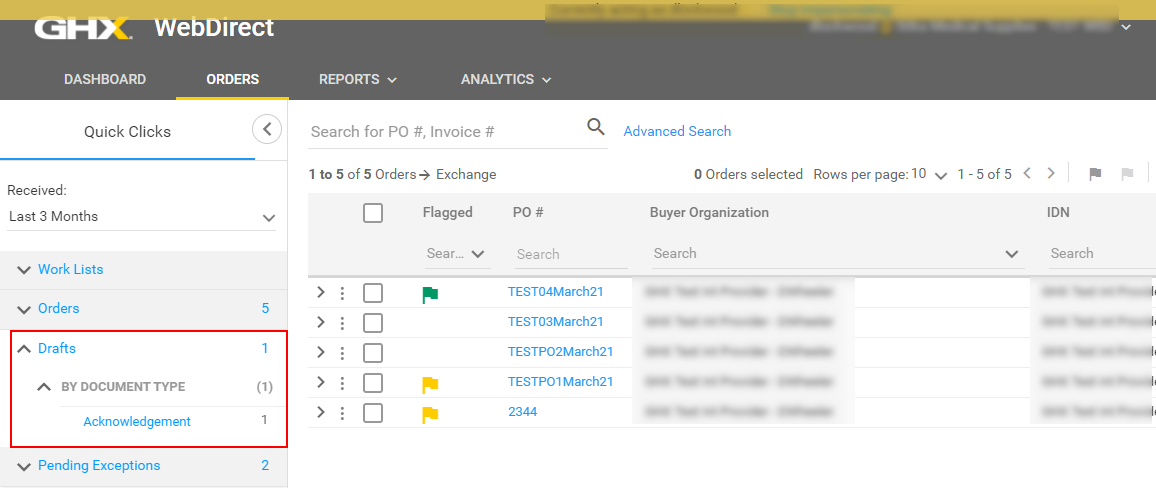
Click the Drafts Quick Clicks filter to view saved and partially completed documents.
- Click Orders. The Orders page opens.
- Click the Drafts Quick Click filter. A list of draft documents displays.
Tip: To see only drafts for a specific document type, open the BY DOCUMENT TYPE list and click the document type.
- Click the link. The draft document opens.
- Continue work on the draft document as needed.
- Click Reset to load the initial data that corresponds to the PO document (optional).
- Click Save to save an adjusted work in progress (optional).
- Click Send to send the document.