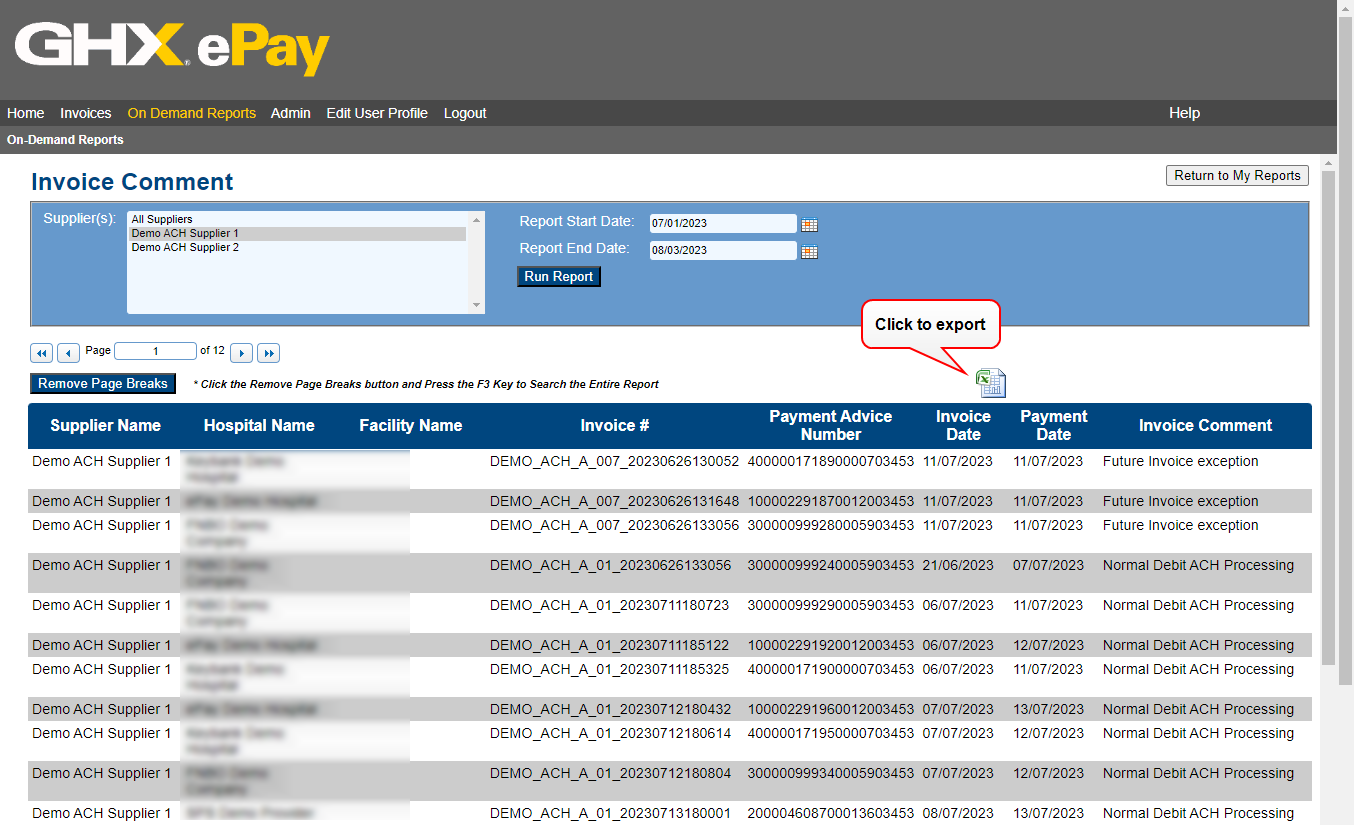
Generate an Invoice Comments Report
Run an Invoice Comments report when you want to view the comments associated with individual invoices to learn more about the nature of its processing. For example, if you need to determine why an invoice may have been overridden.
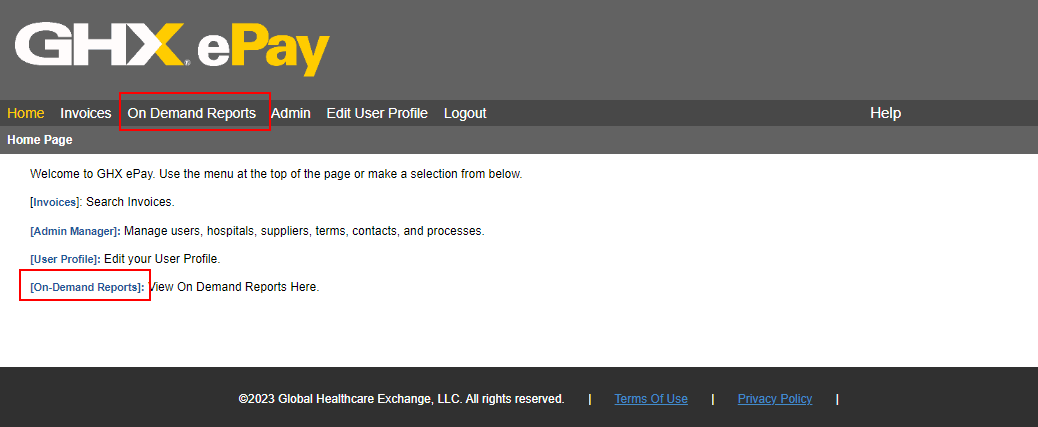
- Click On Demand Reports on the menu bar.
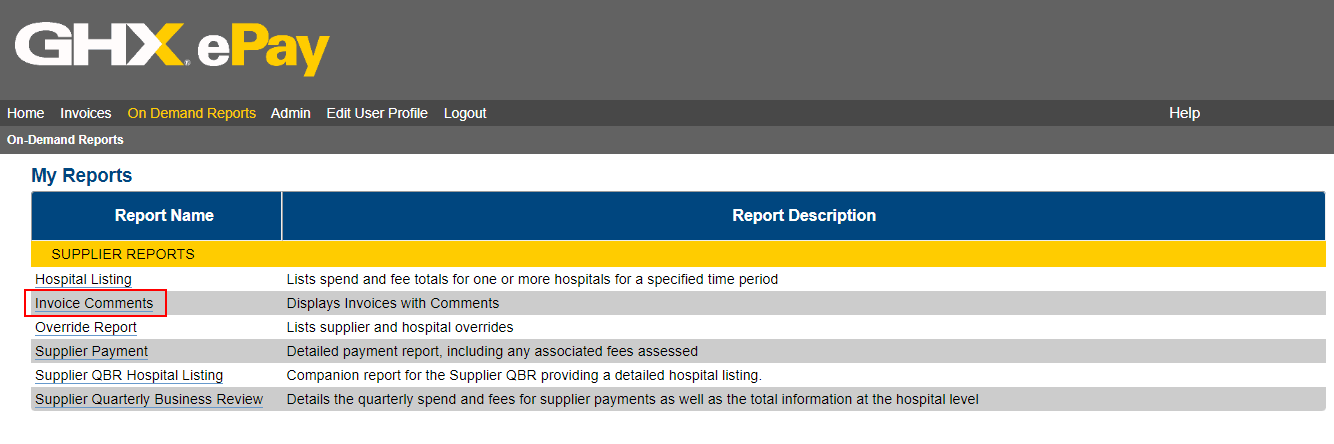
- Click the Invoice Comment link.
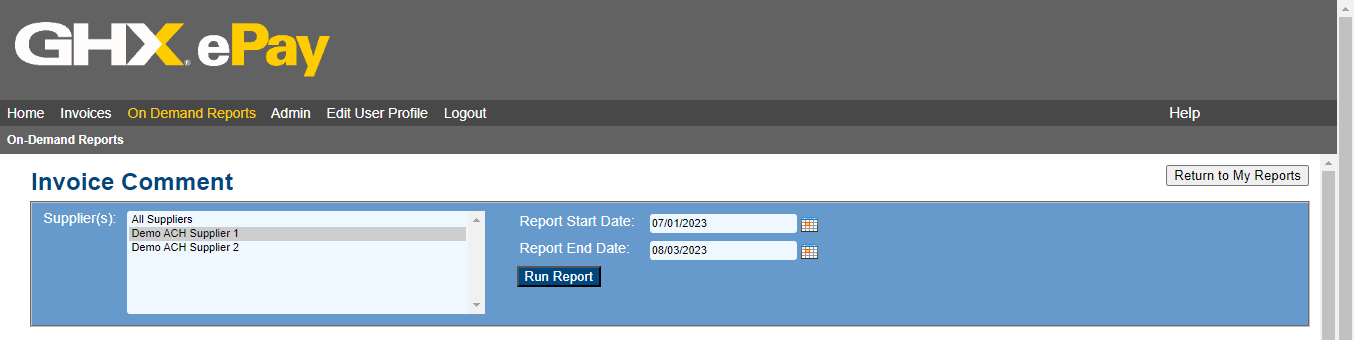
- Select the supplier whose information you would like to view, choose All Suppliers, or select multiple suppliers by pressing CTRL and clicking their names in the list.
- Enter the Report Start Date and the Report End Date.
- Click Run Report.
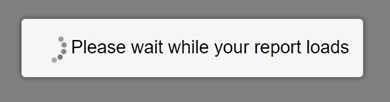
While the report generates, ePay displays the following message.
When the report is compiled, it opens below the search parameters.

- Click the Excel icon to export the report to save it or review it further (optional).