View Trading Partner Contacts
You can view root-level contact information for your trading partners' organizations.
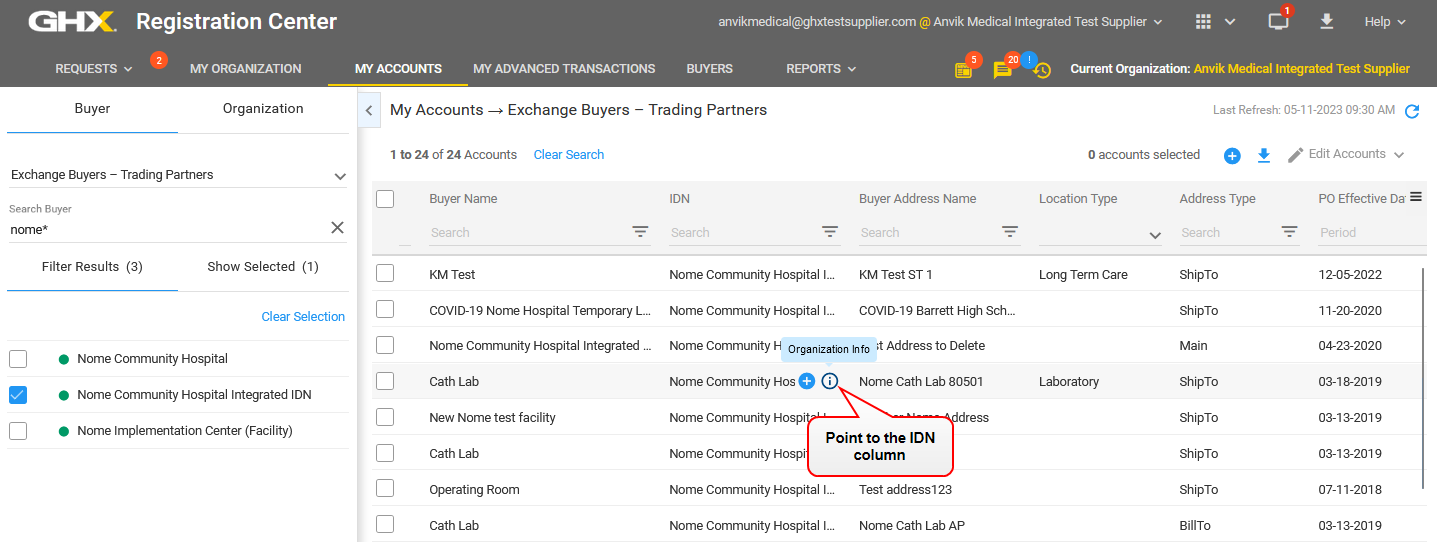
- Click My Accounts.
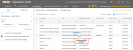
- Click the Organization Info
 icon in the IDN column. The Organization Info dialog box opens.

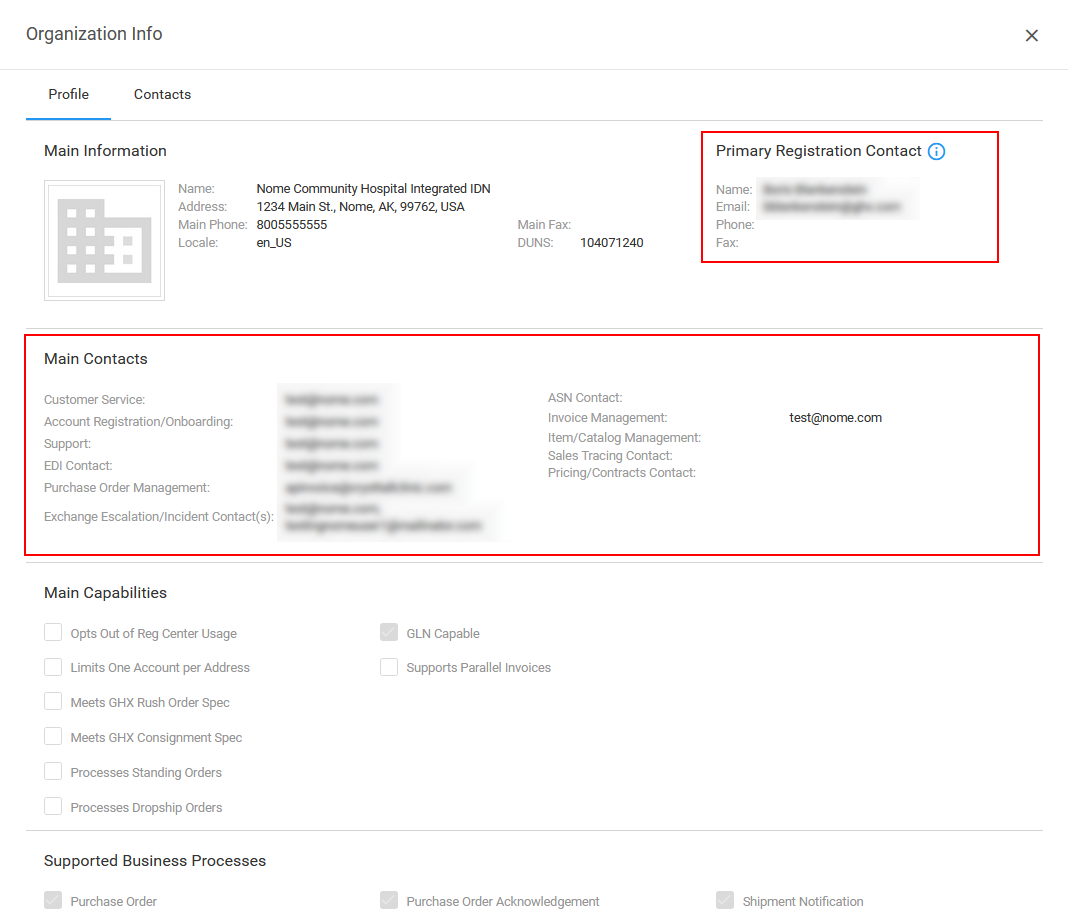
- View information for your trading partner's primary and main contacts by functional area.
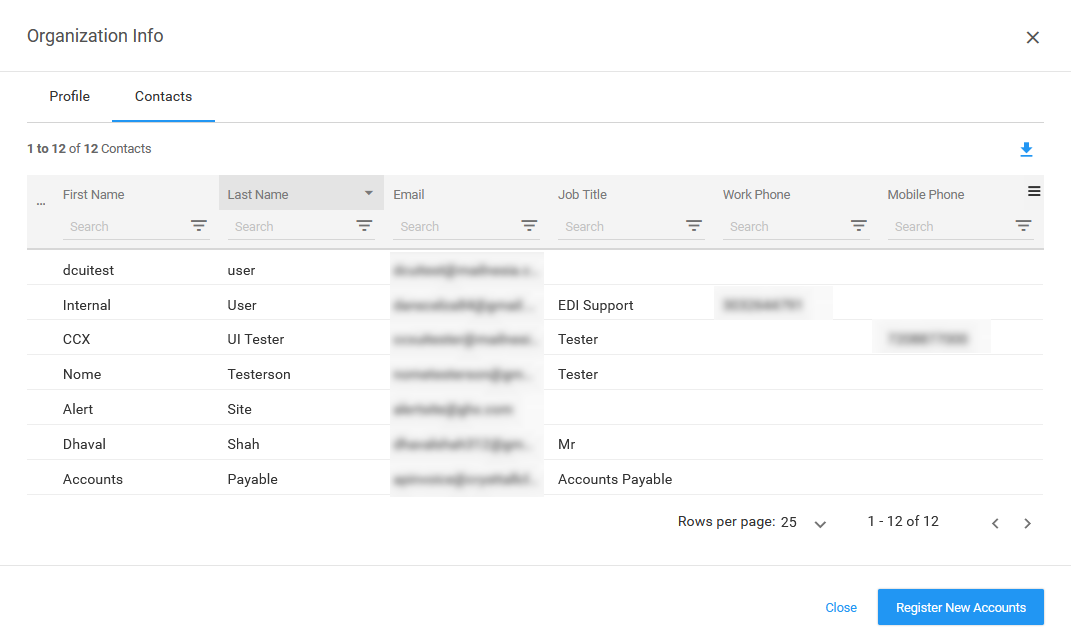
- Click the Contacts tab to view all contacts for this organization.

Note: See Edit Your Organization's Contacts for instructions for viewing a list of your organization's contacts.